What Is Changing?
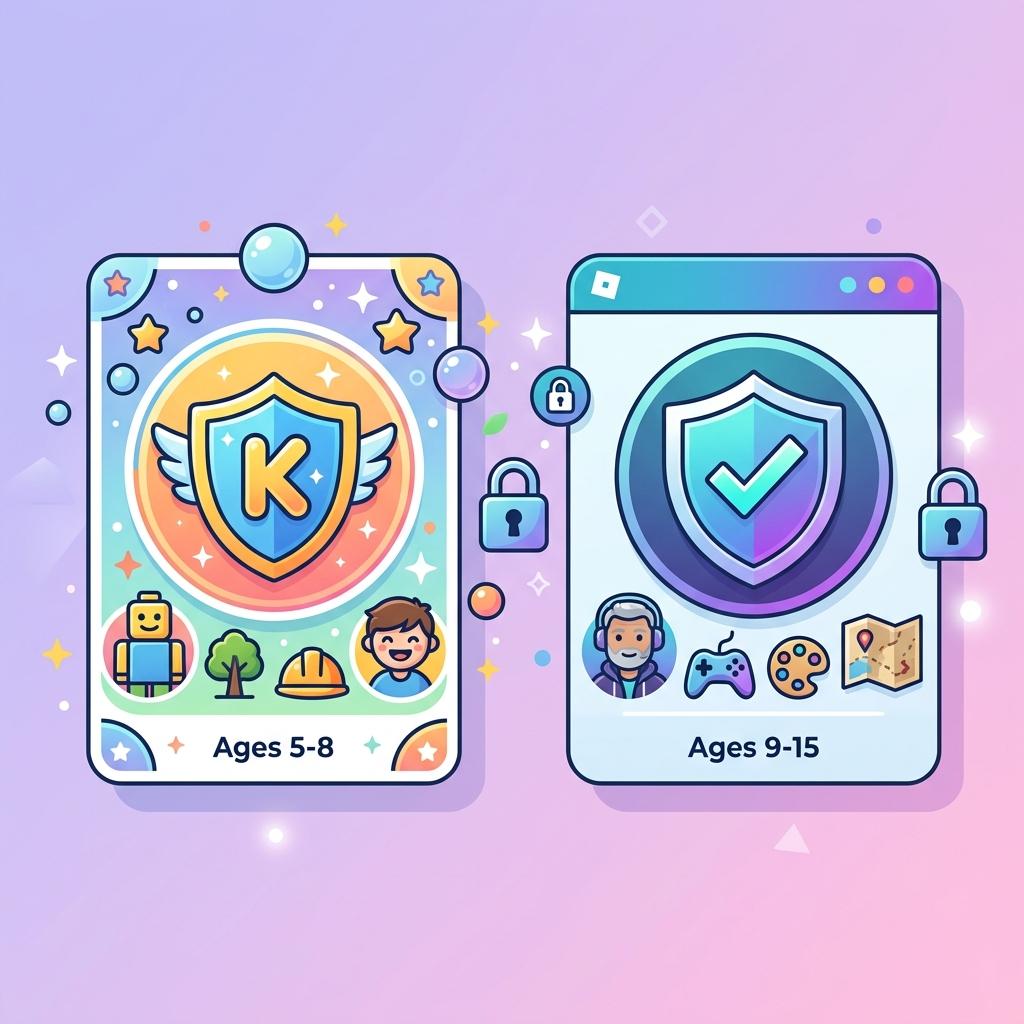
Roblox announced in April 2026 that it's introducing age-based account tiers for all users under 16. Starting in early June 2026, two new account types will roll out: Roblox Kids for ages 5 to 8, and Roblox Select for ages 9 to 15.
These changes are part of Roblox's ongoing effort to improve platform safety, content moderation, and age-appropriate experiences for younger players. Users aged 16 and older won't see any changes to their accounts.
The new system uses age-check technology or parent verification to determine which tier a user belongs to. Each tier has different content access levels, communication settings, and parental oversight options.
What is Roblox Kids? (Ages 5-8)
Roblox Kids is the most restricted account tier, designed for the youngest players on the platform. Here's exactly what it includes:
Content Access
Roblox Kids accounts can only access games with "Minimal" or "Mild" content maturity labels. These games go through a new three-step selection process to ensure they are appropriate for young children. Games with moderate, restricted, or mature content are completely blocked.
Communication
All communication features are disabled by default on Roblox Kids accounts. This means no text chat, no voice chat, and no direct messaging unless a parent specifically enables them through parental controls.
Visual Indicator
Roblox Kids accounts will have a distinct background color across the app to clearly indicate the account type. This makes it easy for parents to visually confirm their child is using the correct account tier.
What is Roblox Select? (Ages 9-15)
Roblox Select is for older kids and young teens who need more access but still benefit from safety restrictions.
Content Access
Roblox Select accounts can access games labeled "Minimal," "Mild," or "Moderate" in content maturity. This opens up significantly more games than Roblox Kids while still blocking restricted and mature content.
Communication
Default communication settings remain enabled for Roblox Select accounts. Players can chat and message as usual, but parents have oversight tools to manage these settings if needed.
More Freedom, Still Protected
Roblox Select gives 9-15 year old players a more complete Roblox experience while maintaining age-appropriate boundaries. Parents can still override settings and block specific games or communication features.
Roblox Kids vs Roblox Select vs Standard Account
| Feature | Roblox Kids (5-8) | Roblox Select (9-15) | Standard (16+) |
|---|---|---|---|
| Content | Minimal + Mild only | Minimal + Mild + Moderate | All content |
| Chat | Disabled by default | Enabled (parent can manage) | Full access |
| Visual Indicator | Distinct background color | Standard | Standard |
| Parent Controls | Full control | Granular control | N/A |
How Are Accounts Assigned?
Roblox determines which account tier a user belongs to using age-check technology or parent verification. Here's how the assignment works:
- Verified age under 9 → Automatically assigned to Roblox Kids
- Verified age 9-15 → Automatically assigned to Roblox Select
- Verified age 16+ → No changes, standard account
- Unverified accounts → Default to Roblox Kids (the most restricted tier)
This means if a user hasn't completed age verification, they'll be placed into Roblox Kids by default. Completing age verification is the only way to access the appropriate tier for your actual age.
Accounts will also automatically transition to the next tier when the user reaches the required age. A Roblox Kids user who turns 9 will automatically move to Roblox Select, and a Roblox Select user who turns 16 will move to a standard account.
New Parental Controls
Along with the new account tiers, Roblox is expanding parental controls to give parents more granular oversight until their child turns 16:
- Block specific games - Parents can block individual games they don't want their child to access, even if the game falls within the allowed content tier.
- Approve specific games - Parents can approve access to games that would normally be restricted under their child's default tier. For example, a parent could allow a specific Moderate game for a Roblox Kids user.
- Manage chat settings - Parents can enable or disable direct chat and manage communication preferences.
- Activity transparency - Parents can see which games their child is playing and view their friend interactions.
What Players Need to Know
If you're a Roblox player under 16, here's what you should do to prepare:
- Complete age verification - If you haven't verified your age yet, do it now. Unverified accounts default to Roblox Kids, which has the most restrictions.
- Talk to your parents - Make sure your parents are aware of the new parental control options. They can approve specific games you want to play that might otherwise be restricted.
- Check your favorite games - Look at the content maturity labels on games you currently play. If any are labeled above your tier level, you'll lose access unless a parent approves them.
For players 16 and older, nothing changes. Your account will continue to work exactly as it does now.
Want to make the most of your Roblox profile? Use our Bio Generator to create the perfect bio, or check out our Avatar Downloader to save your character as a PNG.
Frequently Asked Questions
When do Roblox Kids and Select launch?
Both new account tiers are rolling out in early June 2026.
What happens if I don't verify my age?
Unverified accounts under 16 will default to Roblox Kids, the most restricted tier. Complete age verification to be assigned to the correct tier for your age.
Can parents override the restrictions?
Yes. Parents can approve specific games, manage chat settings, and block individual games regardless of their child's account tier.
Will my current games be affected?
If you're under 16, some games you currently play may become restricted based on their content maturity labels. Check the labels on your favorite games to see if they fall within your new tier.
Does this affect Roblox on all devices?
Yes. The new account tiers apply across all platforms including PC, mobile, Xbox, and PlayStation 5.